
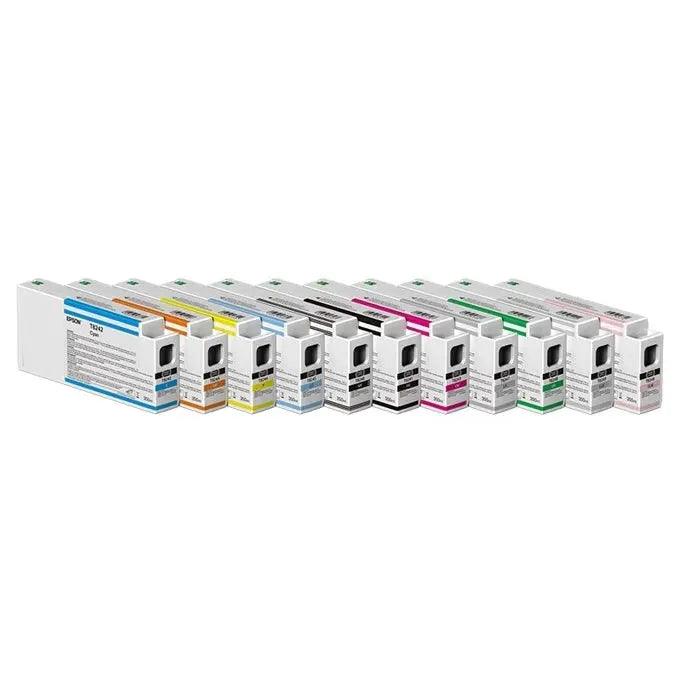
Epson T913 Photo Black - 200ml
ES-T913100
$130.00$0.00
New to SPSI? Open an account
Ships same day from MN & TX · Free shipping on supply orders $300+
Genuine Epson 200 mL Photo Black ink cartridge engineered for compatible Epson SureColor professional printers, delivering rich blacks, smooth tonal transitions, and consistent color performance for high-quality photographic, proofing, and graphic applications.
Characteristics
The Epson T913 Photo Black Ink Cartridge – 200 mL is a genuine Epson ink cartridge designed to provide reliable, professional-quality output with compatible Epson SureColor printers. Formulated as part of Epson's professional ink system, Photo Black ink produces deep, rich blacks and excellent tonal reproduction for demanding photographic and graphic printing applications.
Photo Black is optimized for printing on compatible photo, proofing, and coated media where strong black density, smooth gradients, and precise image reproduction are important. The ink works with the printer's color management and printhead technology to deliver consistent results across detailed photographs, graphics, proofs, and other professional output.
Using genuine Epson ink helps maintain the performance and reliability of the printer's complete ink delivery system. The factory-sealed 200 mL cartridge provides convenient replacement for production environments that require dependable color consistency and professional print quality.
- Genuine Epson ink cartridge
- Photo Black ink
- 200 mL cartridge capacity
- Produces rich, deep blacks
- Supports smooth tonal transitions and detailed shadow reproduction
- Designed for professional photographic and graphic printing
- Excellent choice for compatible photo and coated media
- Formulated for consistent color and image reproduction
- Designed to work with compatible Epson SureColor printhead and ink delivery systems
- Factory-sealed replacement cartridge
- Suitable for professional photography, proofing, graphics, and production printing
- Confirm printer compatibility and cartridge number before installation.
- Keep the cartridge sealed in its original packaging until ready for use.
- Follow Epson's installation instructions when replacing an ink cartridge.
- Do not touch the cartridge's ink supply port or electronic components.
- Install the cartridge promptly after removing it from its packaging.
- Use genuine Epson cartridges to help maintain consistent printer performance and output quality.
- Store unopened cartridges according to Epson's recommended storage conditions.
- Follow the printer's maintenance procedures to help maintain consistent nozzle and print quality performance.
